Scenario:
If you need to view or update your personal information in the app, including personal documents captured during move-in or landlord/tenant registration, you can do so directly under your profile option
Solution:
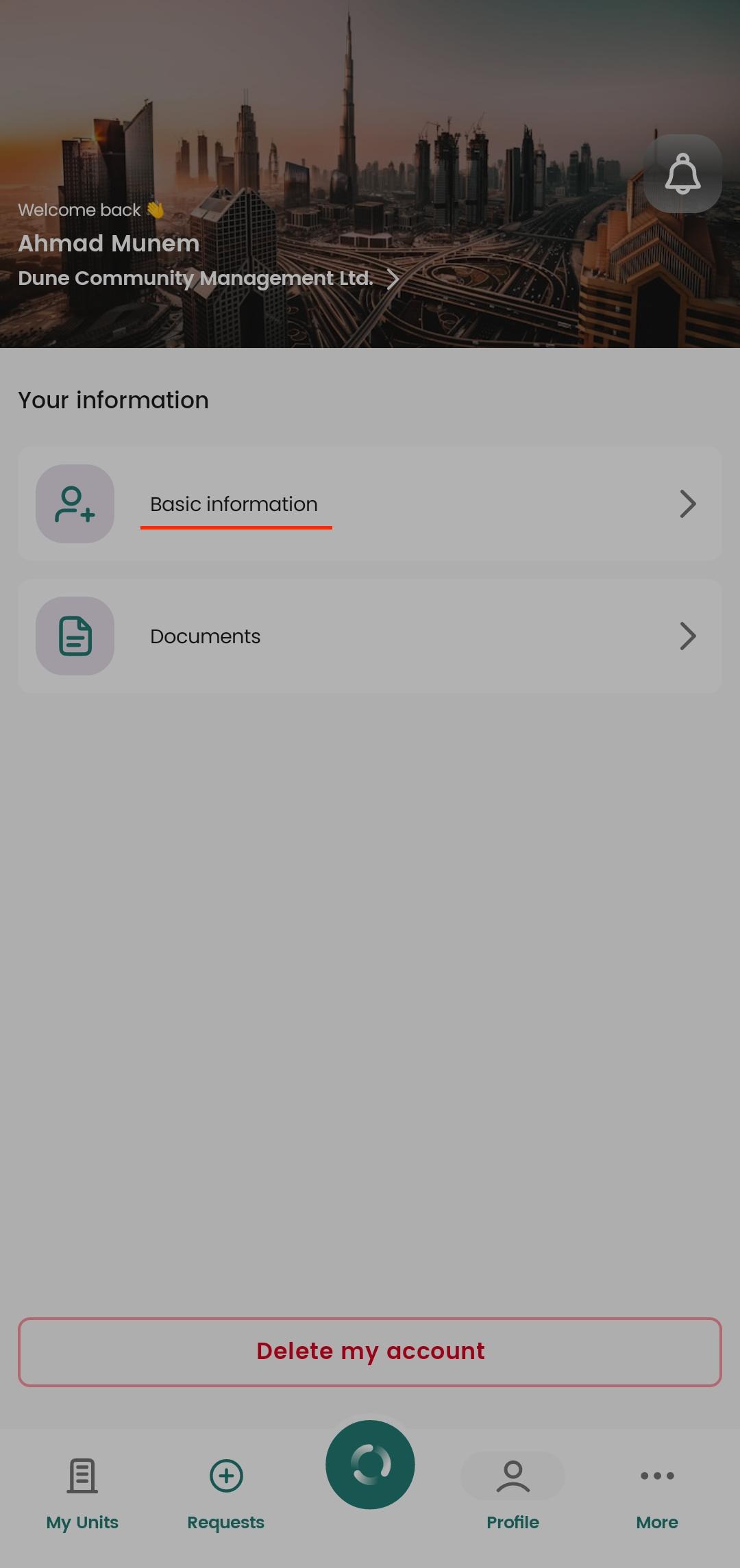
1. Viewing and Updating Basic Info
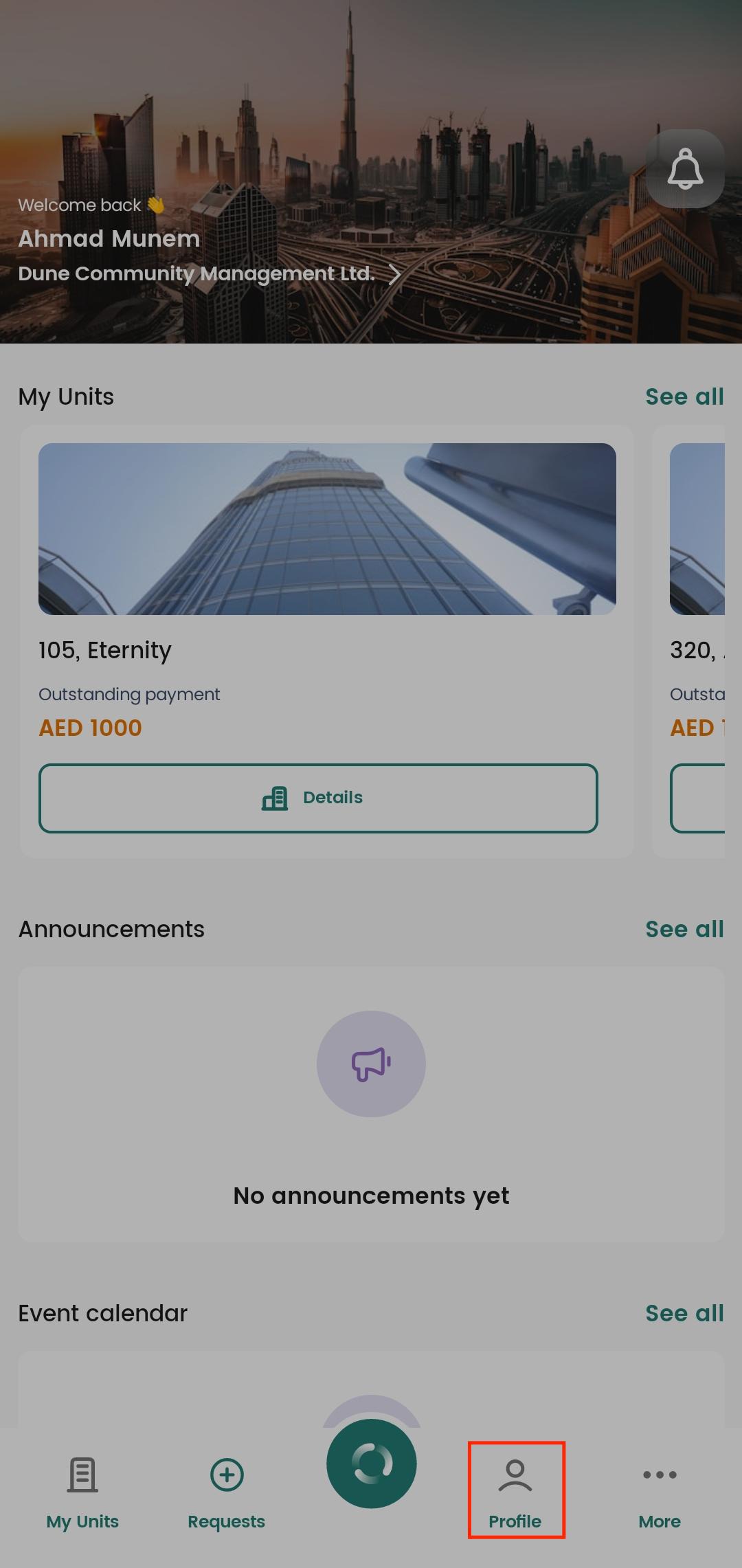
Go to the Profile button on the home page navigation bar at the bottom of the screen.
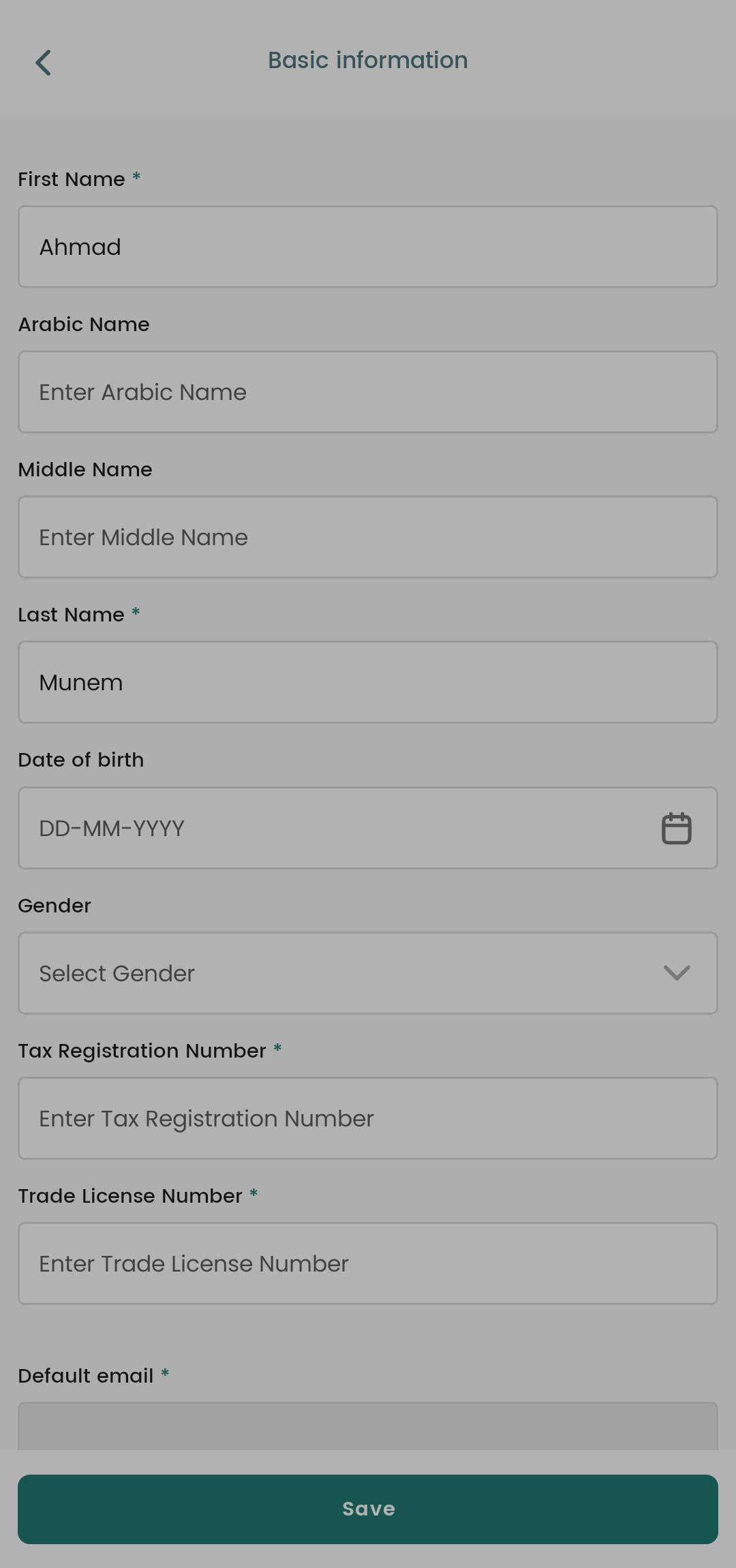
Under Basic Info, you can view your personal details such as name, phone number, and email.
You can update your personal info (except for the email).
After clicking Save, the management team will receive a request to update your information. Once they approve it, your updated info will appear in the app.
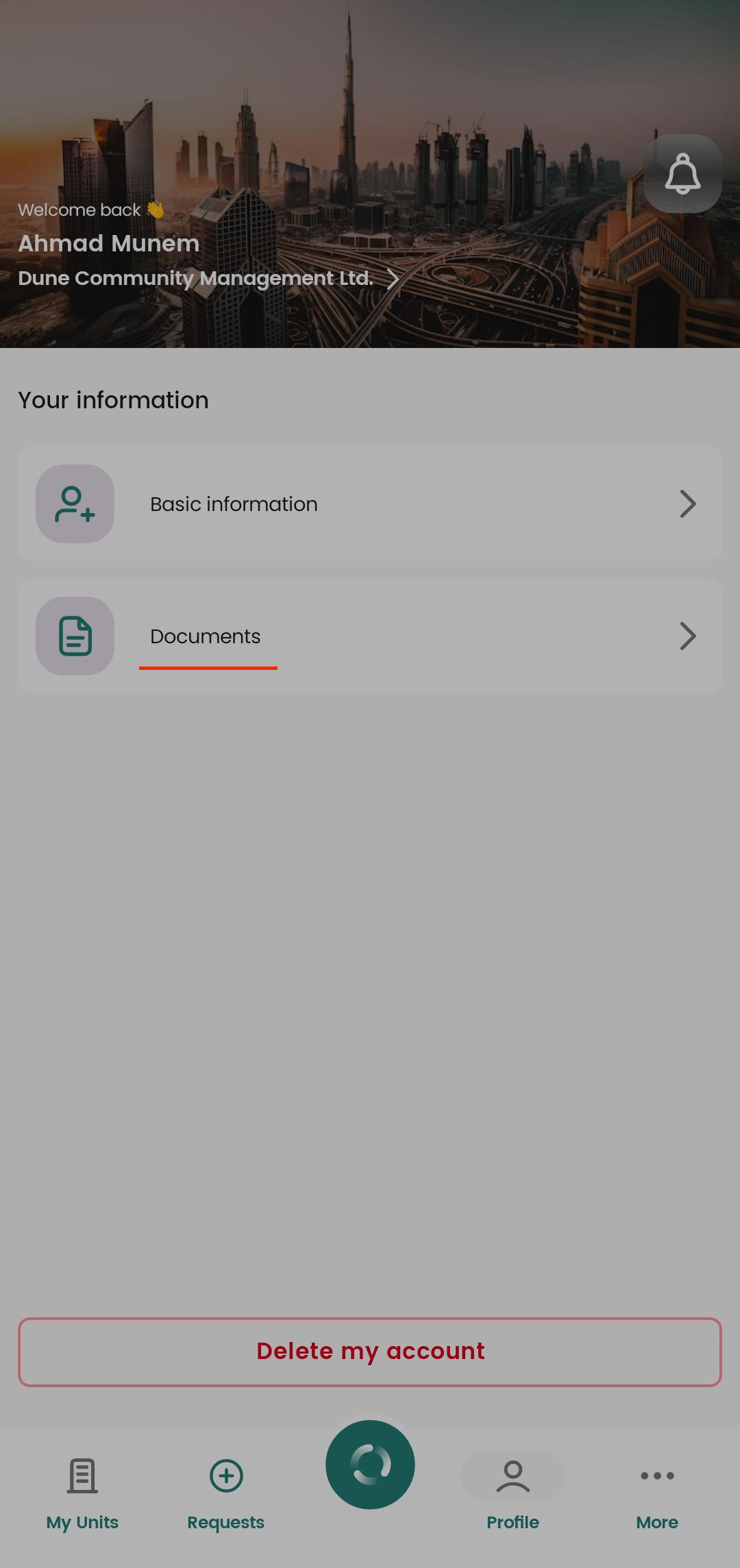
2. Viewing and Updating Documents
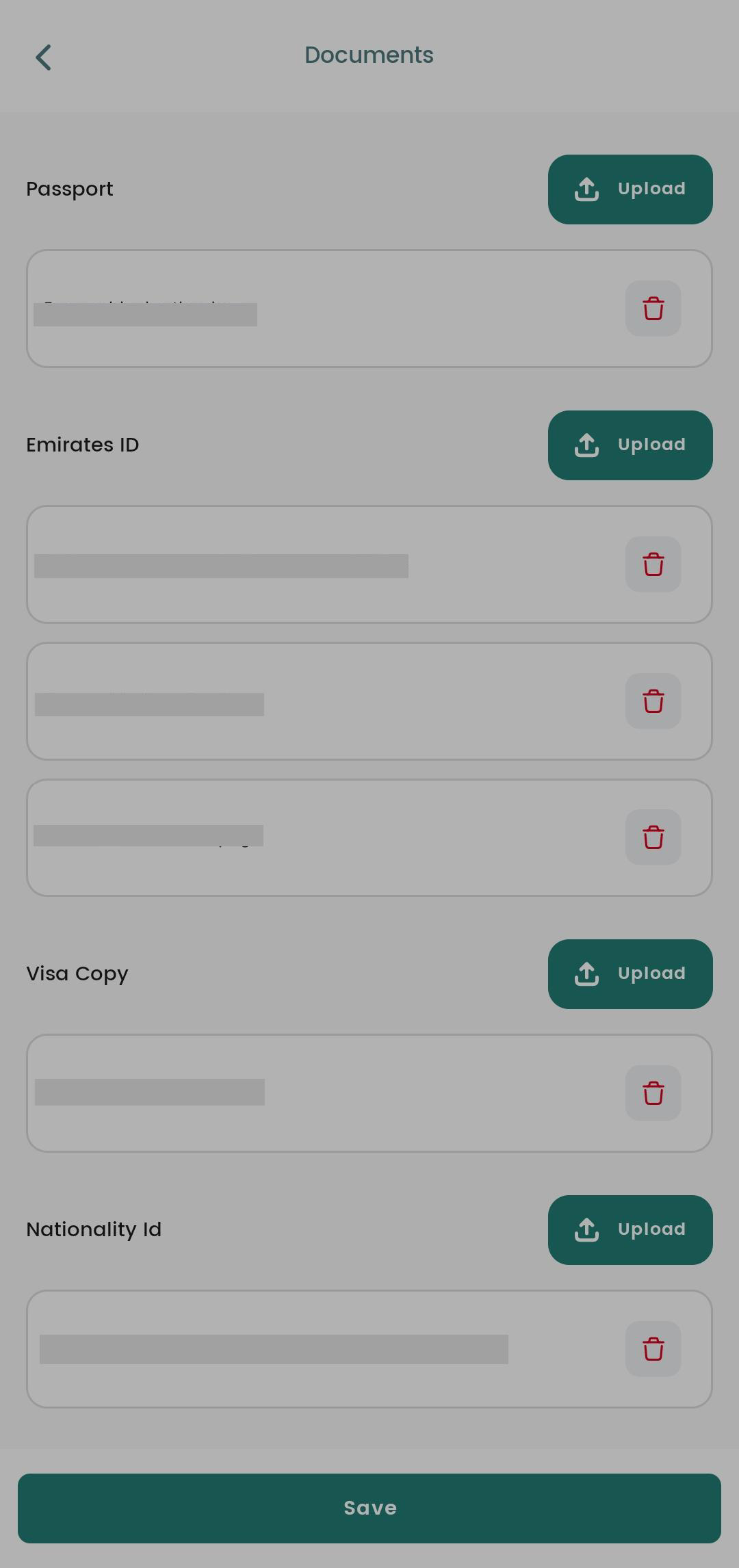
Under the Profile section, you can also view your personal documents uploaded during move-in or landlord registration, such as passport, ID, or other documents.
To update a document, click the Upload button and tap upload option to submit the new file.
Tips:
Make sure your uploaded documents are clear and legible.
Updates for basic info require management approval, so changes may not appear immediately.
Was this article helpful?
That’s Great!
Thank you for your feedback
Sorry! We couldn't be helpful
Thank you for your feedback
Feedback sent
We appreciate your effort and will try to fix the article