Scenario:
What if you don’t see your unit, or your request wasn’t approved initially, but later the management company approves it and assigns the unit to you? How can you view this refreshed data in the app?
Solution:
Pull Down to Refresh:
On the app’s home screen, pull down to refresh. This will update the information with the latest changes made by the management company.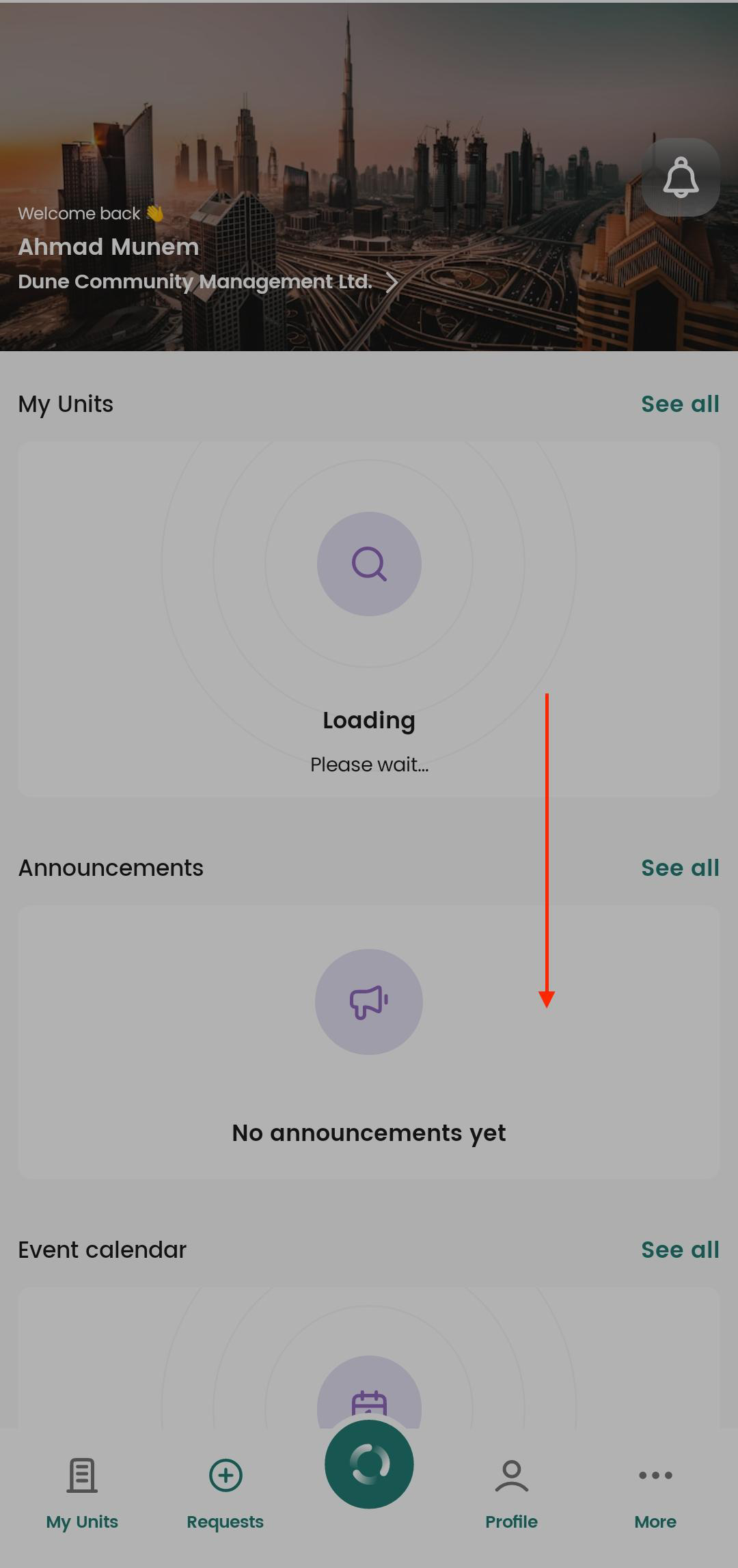
Log Out and Log In:
Alternatively, you can log out and log back in to see the updated information.
Was this article helpful?
That’s Great!
Thank you for your feedback
Sorry! We couldn't be helpful
Thank you for your feedback
Feedback sent
We appreciate your effort and will try to fix the article