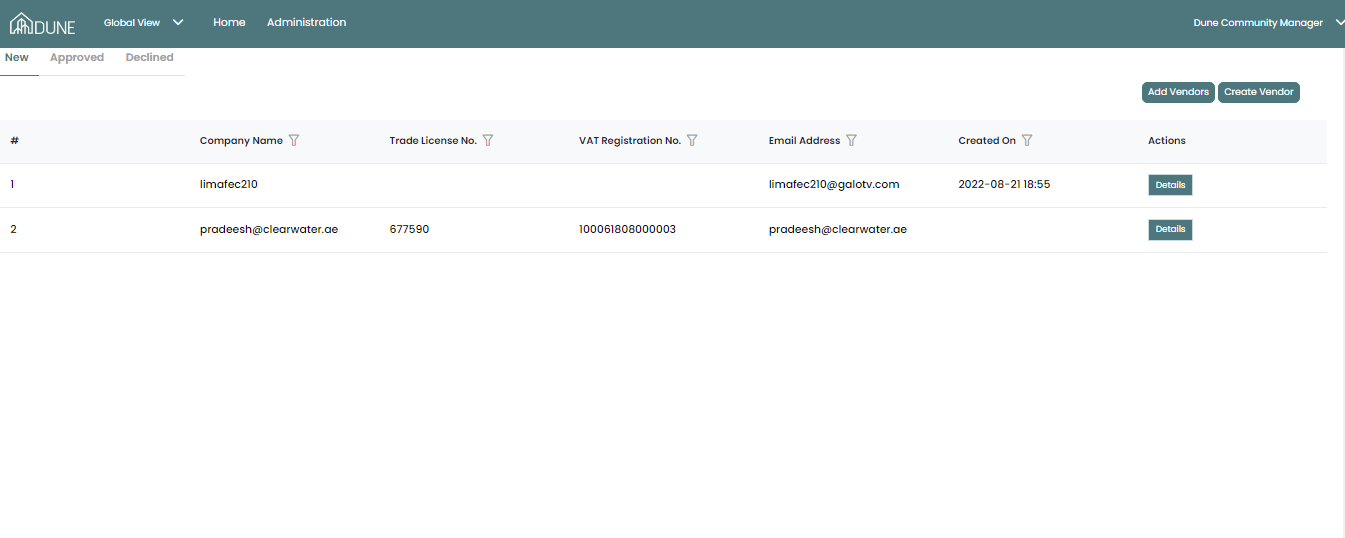
On the Global View page, by choosing Vendors, you will access three tabs (New - Approved - Declined.)
On the New tab, you will see all the registration requests from your vendors, by clicking on details you would view their request details and their documents.
The action you can take:
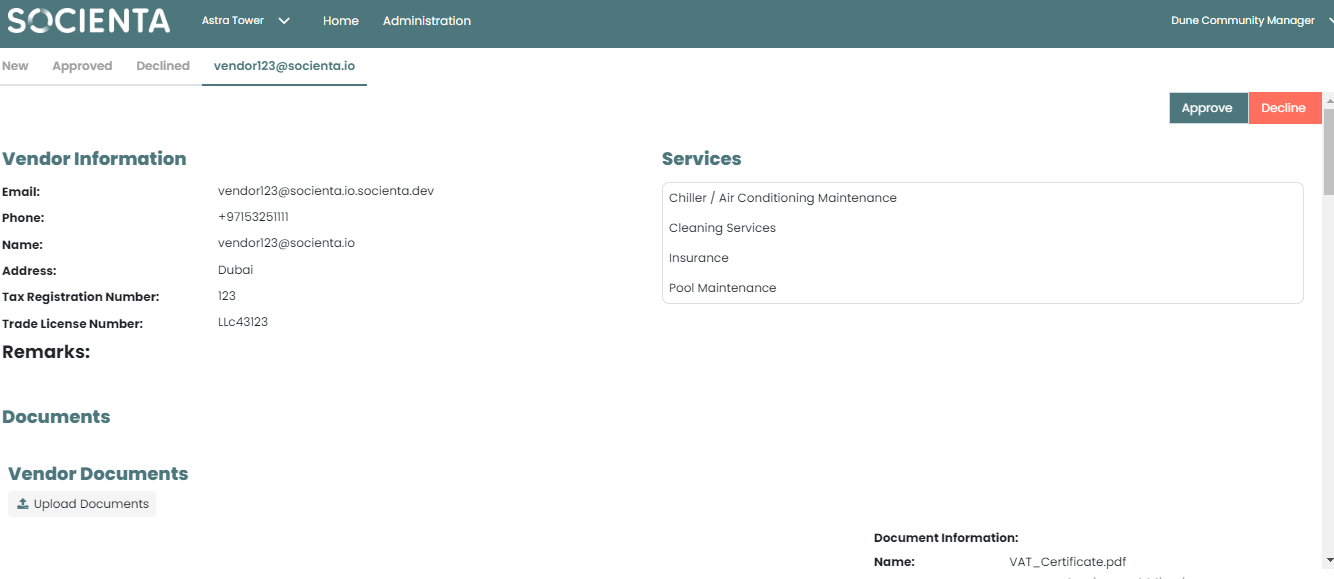
1. You can approve the vendor registration request after you review their documents and add the expiry date.
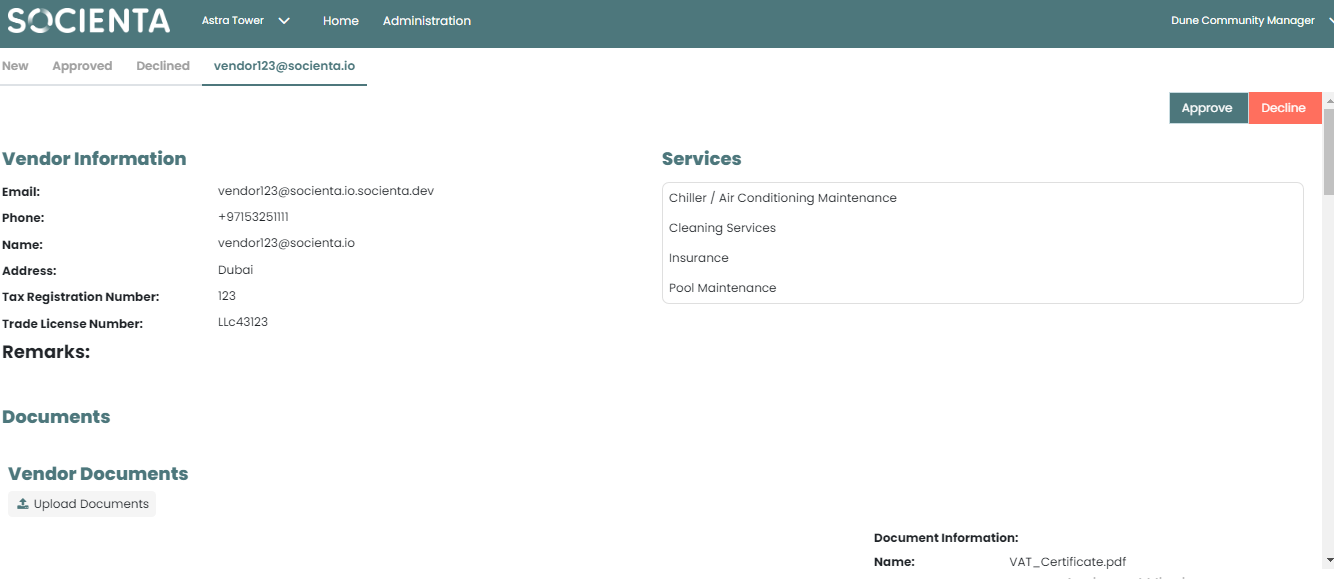
2. You can decline the vendor request after you review all their documents or reject some of the documents only and state the reason.
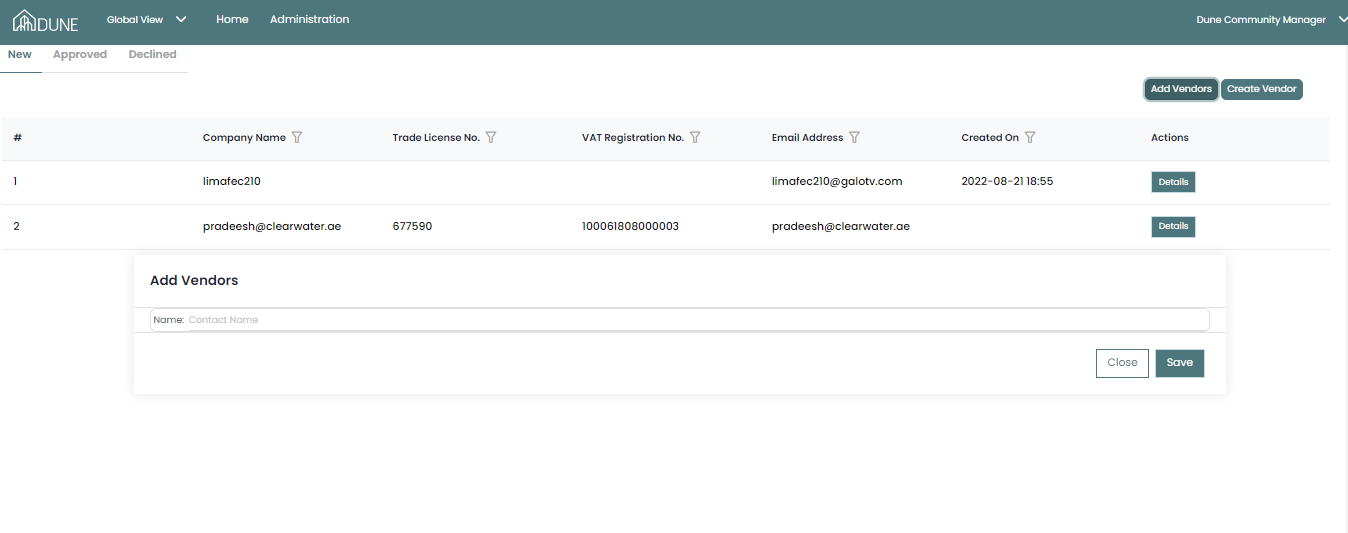
3. You can add a vendor directly from this screen if it already exists in the system by clicking on Add Vendors.
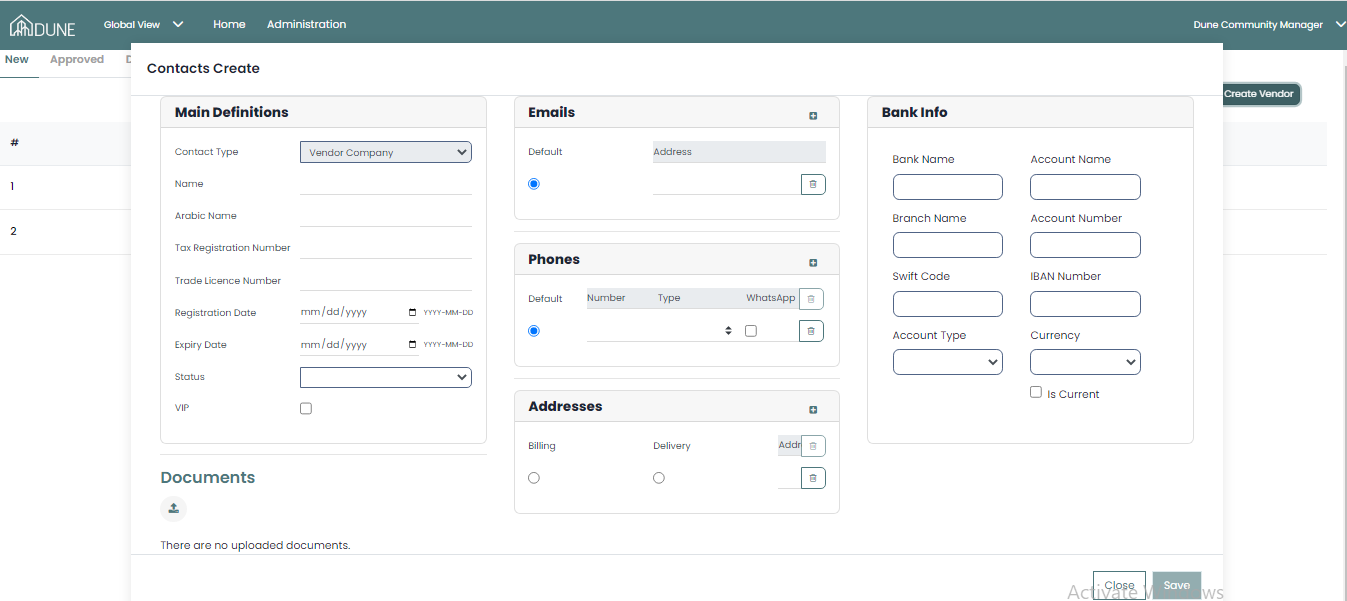
4. You can also create a vendor from this screen by clicking on Create a Vendor.
Was this article helpful?
That’s Great!
Thank you for your feedback
Sorry! We couldn't be helpful
Thank you for your feedback
Feedback sent
We appreciate your effort and will try to fix the article