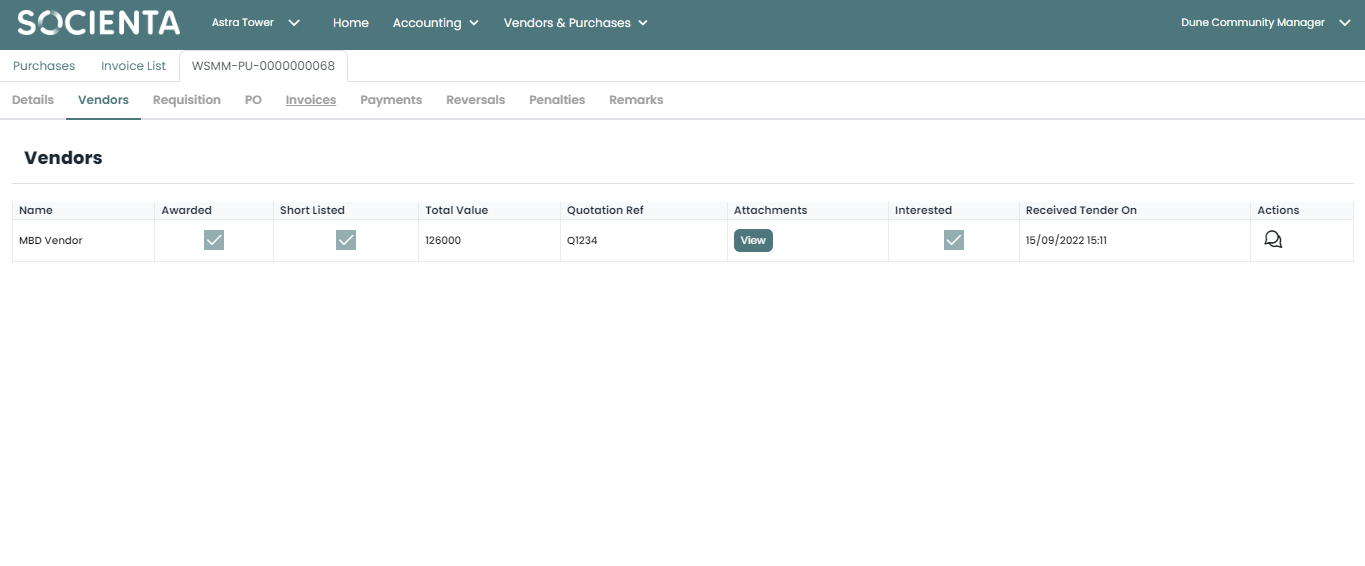
After creating and submitting the purchase, a Vendors tab will appear in the purchase itself. This tab will allow you to see which vendors are interested in the tender, if the vendor have submitted a proposal and even chat with them.
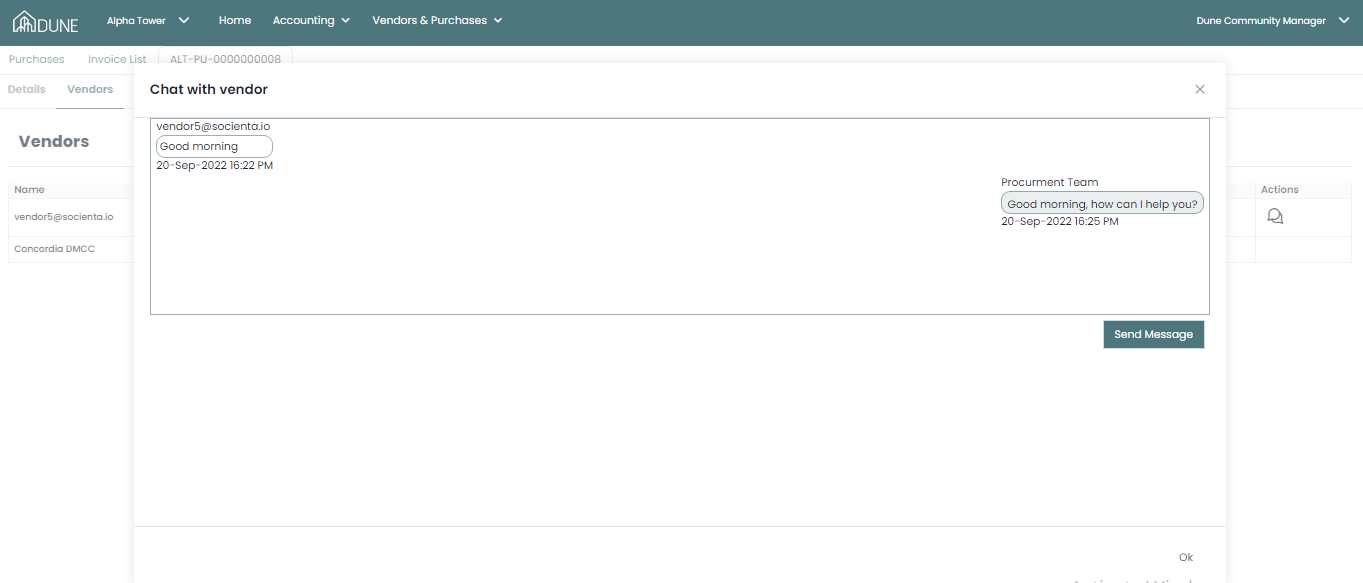
You can communicate with vendors once you open the vendor tab, click on the chat icon and start conversations or reply to vendor concerns about this tender.
Was this article helpful?
That’s Great!
Thank you for your feedback
Sorry! We couldn't be helpful
Thank you for your feedback
Feedback sent
We appreciate your effort and will try to fix the article