Overview
The Consumers' Numbers tab in Socienta allows you to manage and maintain the consumer numbers associated with a property group. Consumer numbers are used to link utility or service accounts to the property group, and this tab provides a centralised place to add, view, and deactivate them.
Prerequisites
Before accessing Property Group Settings, make sure you have the correct permissions. Contact your client admin to provide you with "edit access rights to Property Group Settings" in order to be able to edit and save any changes. Without this access, you will be able to view the settings but not make any modifications.
Access Property Group Settings
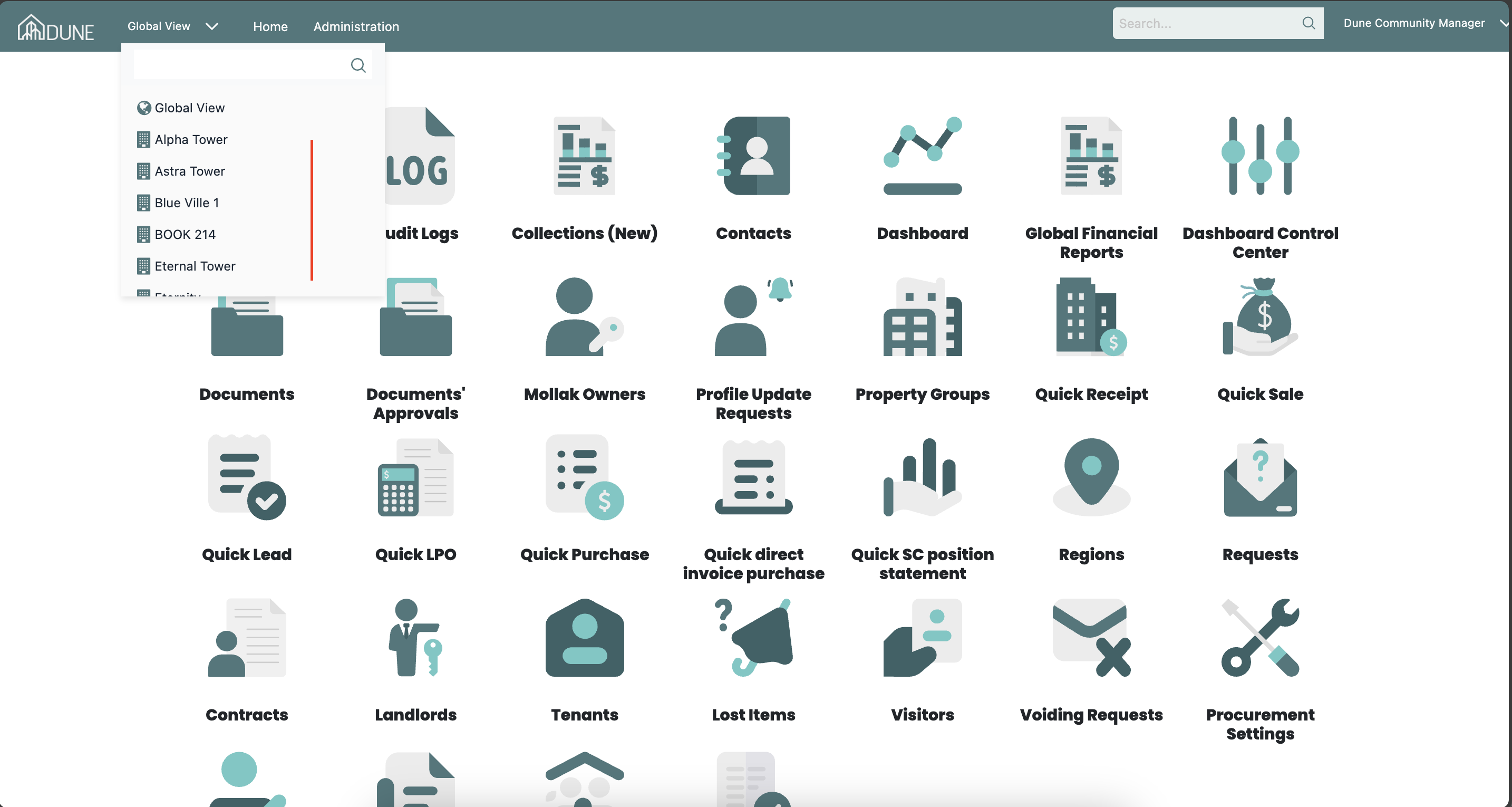
From the top navigation bar, click on the Global View dropdown and select your property group (e.g., Alpha Tower).
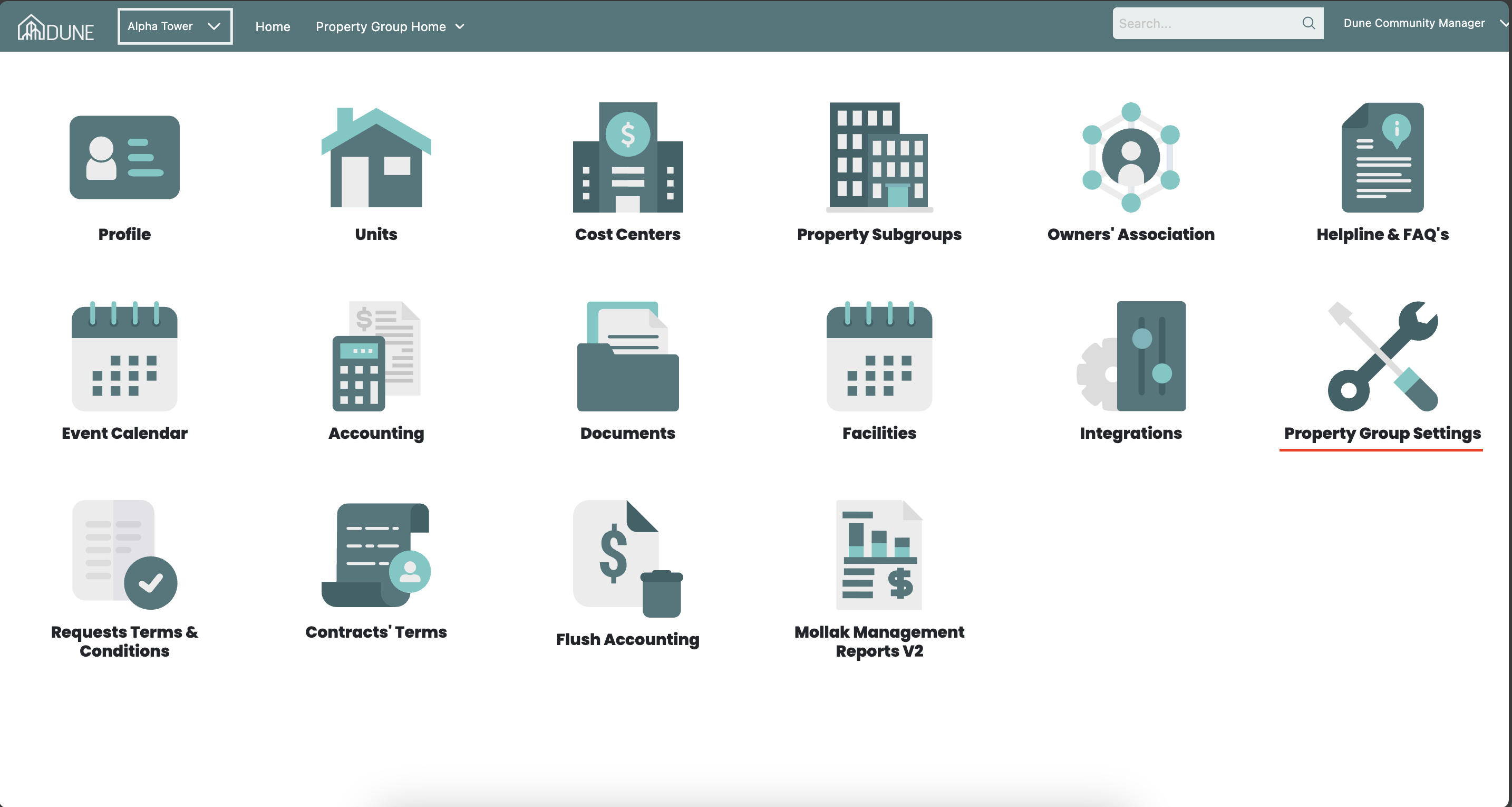
Once inside the property group, click on the Property Group Settings option, then open the Consumers' Numbers tab at the top of the page.
Consumers' Numbers
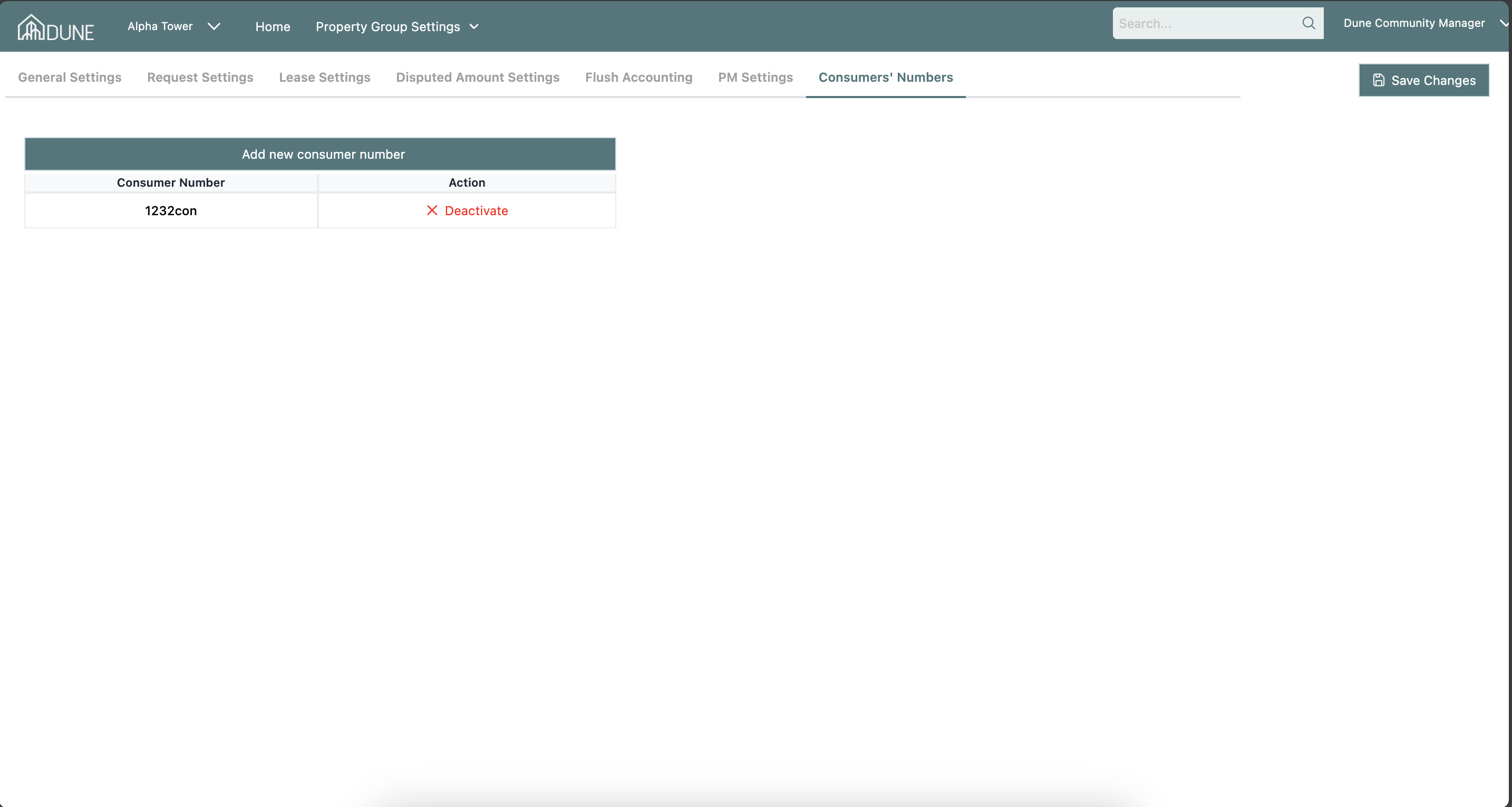
The Consumers' Numbers tab allows you to manage the consumer numbers associated with the property group. The tab contains:
- Add new consumer number: Click this button to add a new consumer number entry for the property group.
- Consumer numbers table: Displays all existing consumer numbers with the following columns:
- Consumer Number: The identifier/number of the consumer account.
- Action: Allows you to deactivate an existing consumer number entry.
Adding a New Consumer Number
- Click Add new consumer number.
- Enter the required consumer number details.
- Click Save to add the entry to the list.
Deactivating a Consumer Number
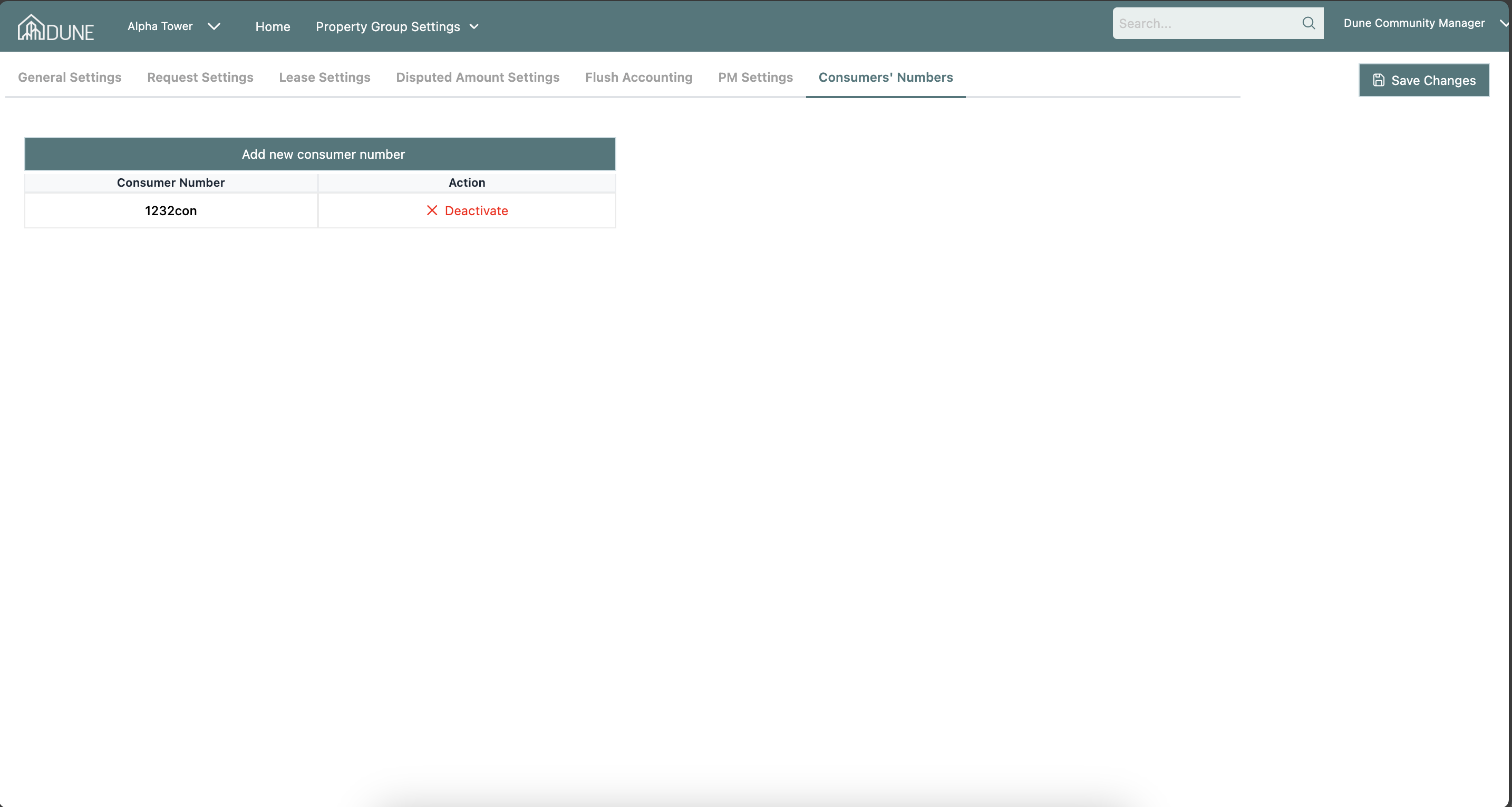
Use the Action column in the table to deactivate any consumer number that is no longer in use.
Tips & Best Practices
- Keep the consumer numbers list up to date to ensure accurate linking of utility and service accounts to the property group.
- Review the list periodically and deactivate any consumer numbers that are no longer valid or in use.
- Always double-check consumer number details before saving to avoid mismatches with utility providers.
Was this article helpful?
That’s Great!
Thank you for your feedback
Sorry! We couldn't be helpful
Thank you for your feedback
Feedback sent
We appreciate your effort and will try to fix the article