Overview
The Disputed Amount Settings allow you to configure the document requirements related to disputed amount cases in Socienta. This setting ensures that the correct supporting documents are attached when a disputed amount case is raised.
Note: If your account type is PM (Property Management), this tab does not apply to you — you can skip this article.
Prerequisites
Before accessing Property Group Settings, make sure you have the correct permissions. Contact your client admin to provide you with "edit access rights to Property Group Settings" in order to be able to edit and save any changes. Without this access, you will be able to view the settings but not make any modifications.
Access Property Group Settings
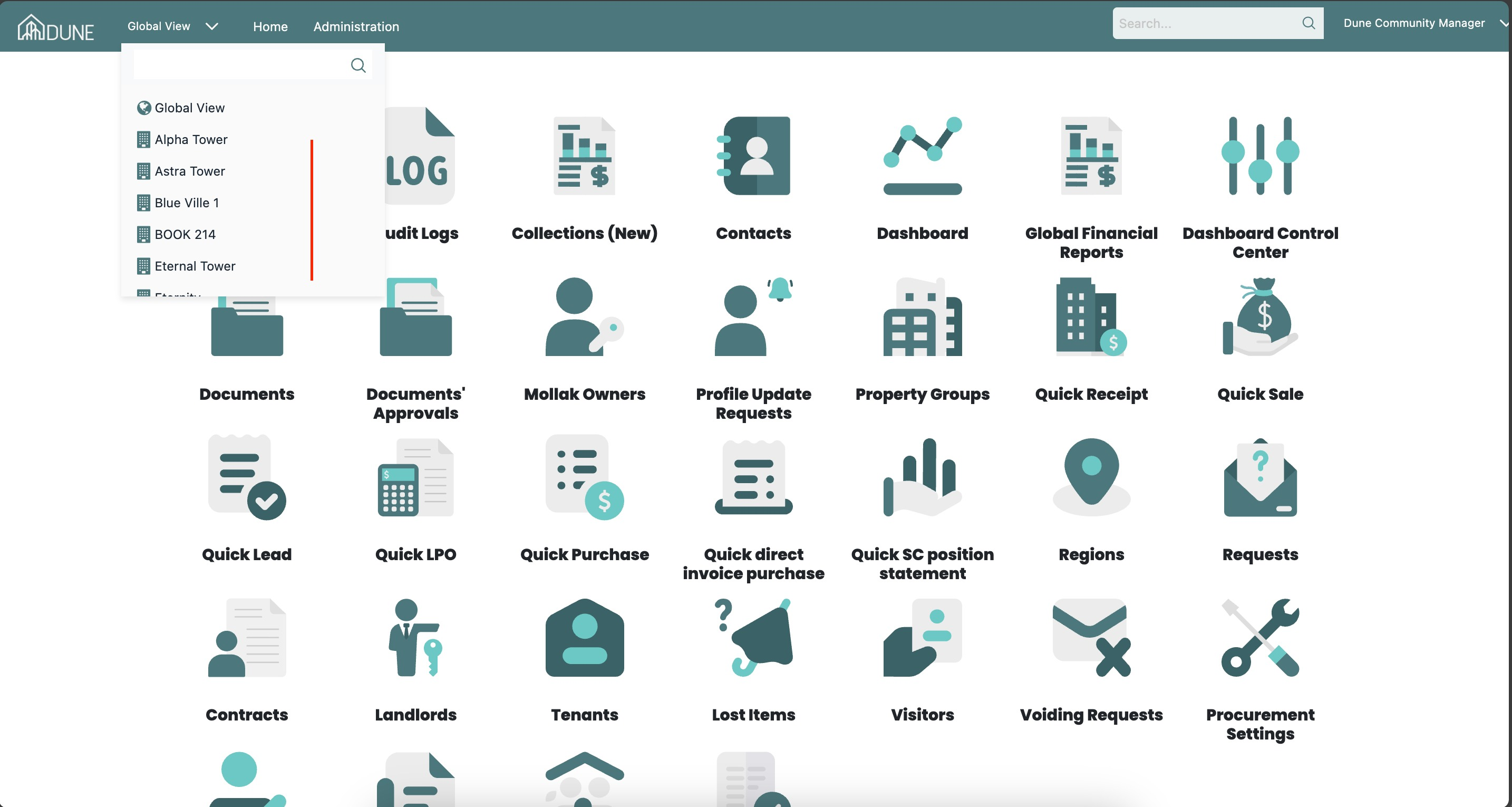
From the top navigation bar, click on the Global View dropdown and select your property group (e.g., Alpha Tower).
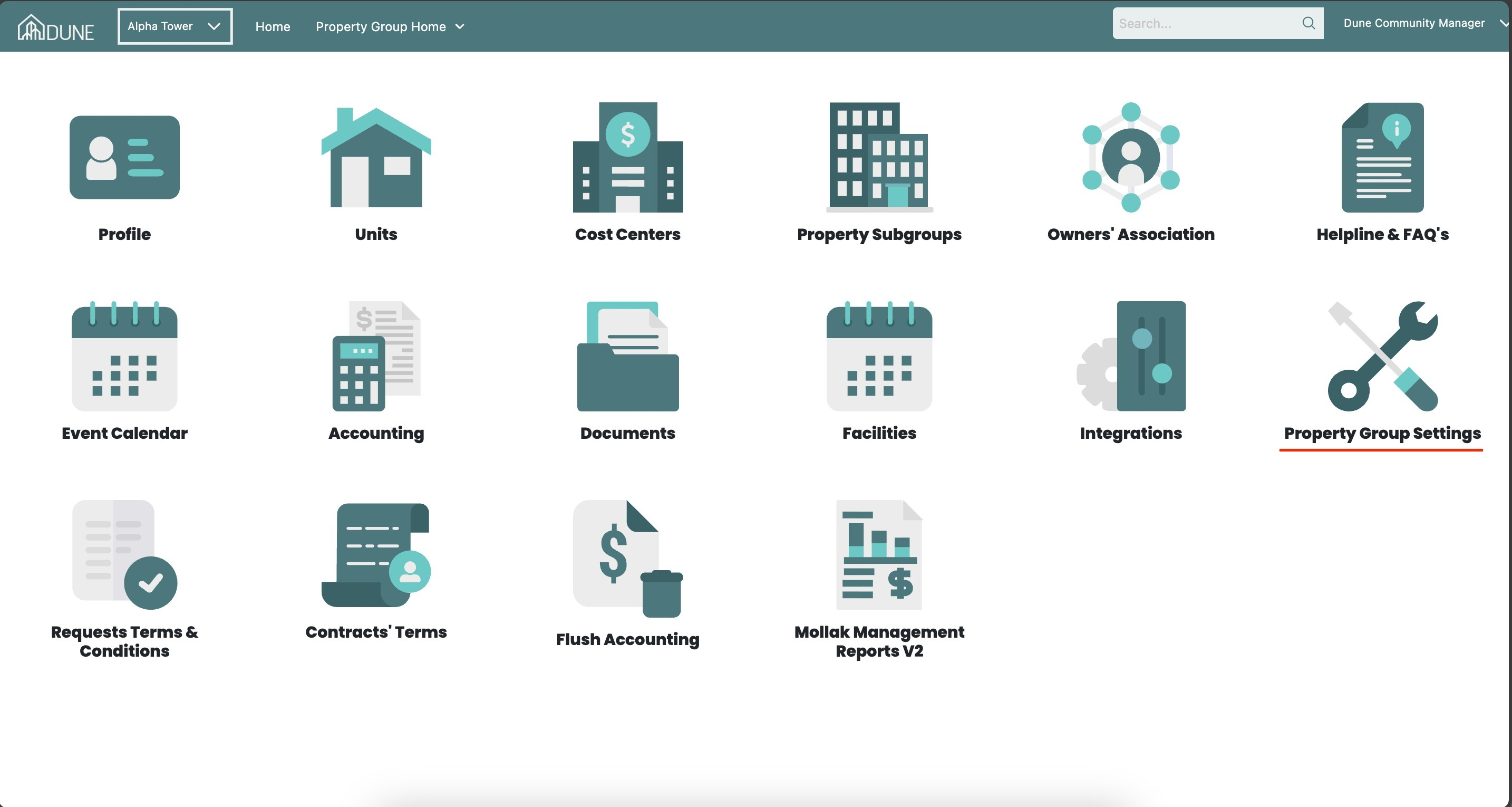
Once inside the property group, click on the Property Group Settings option, then open the Disputed Amount Settings tab at the top of the page.
Disputed Amount Settings
The Disputed Amount Settings tab allows you to configure document requirements related to disputed amount cases.
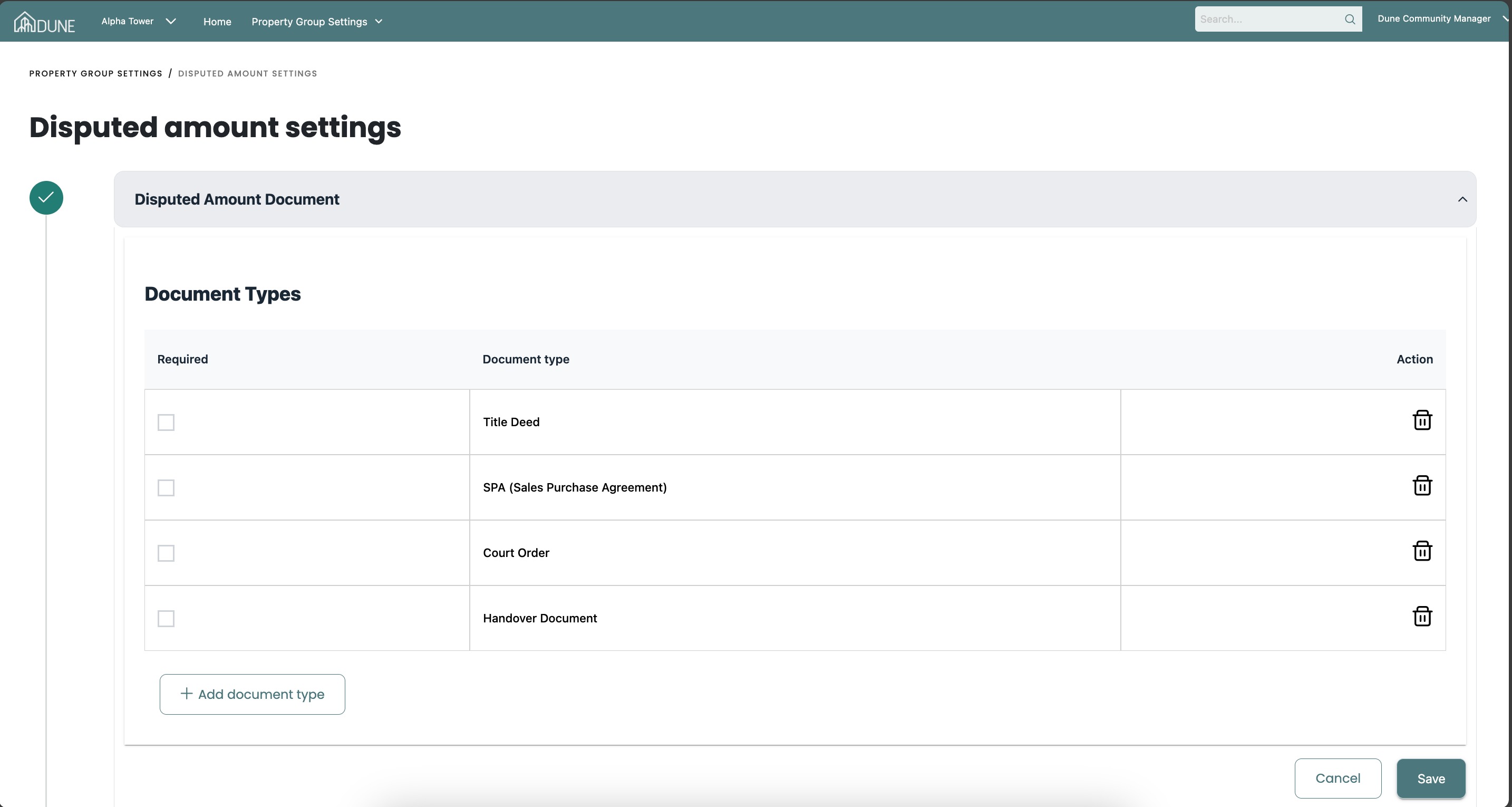
Disputed Amount Document
This section allows you to define and manage the documents required when a disputed amount case is raised. Expand the section to configure the required document types.
Tips & Best Practices
- Define the minimum required documents for disputed amount cases to ensure consistent review and resolution.
- Review and update the required document list periodically to reflect any changes in internal or regulatory requirements.
- Always Save your changes after updating document requirements.
Was this article helpful?
That’s Great!
Thank you for your feedback
Sorry! We couldn't be helpful
Thank you for your feedback
Feedback sent
We appreciate your effort and will try to fix the article