Overview
The Lease & PM Settings in Socienta allow Property Management (PM) accounts to configure lease-related accounting behaviour, templates, documents, and lease lifecycle controls. This article covers the Lease Settings tab (accounting behaviour, templates, and lease/tenant documents) and the PM Settings tab (lease expiry reminders and offer-to-lease approvals).
Note: If your account type is OA (Owner Association), these tabs do not apply to you — you can skip this article.
Prerequisites
Before accessing Property Group Settings, make sure you have the correct permissions. Contact your client admin to provide you with "edit access rights to Property Group Settings" in order to be able to edit and save any changes. Without this access, you will be able to view the settings but not make any modifications.
Access Property Group Settings
From the top navigation bar, click on the Global View dropdown and select your property group (e.g., Alpha Tower).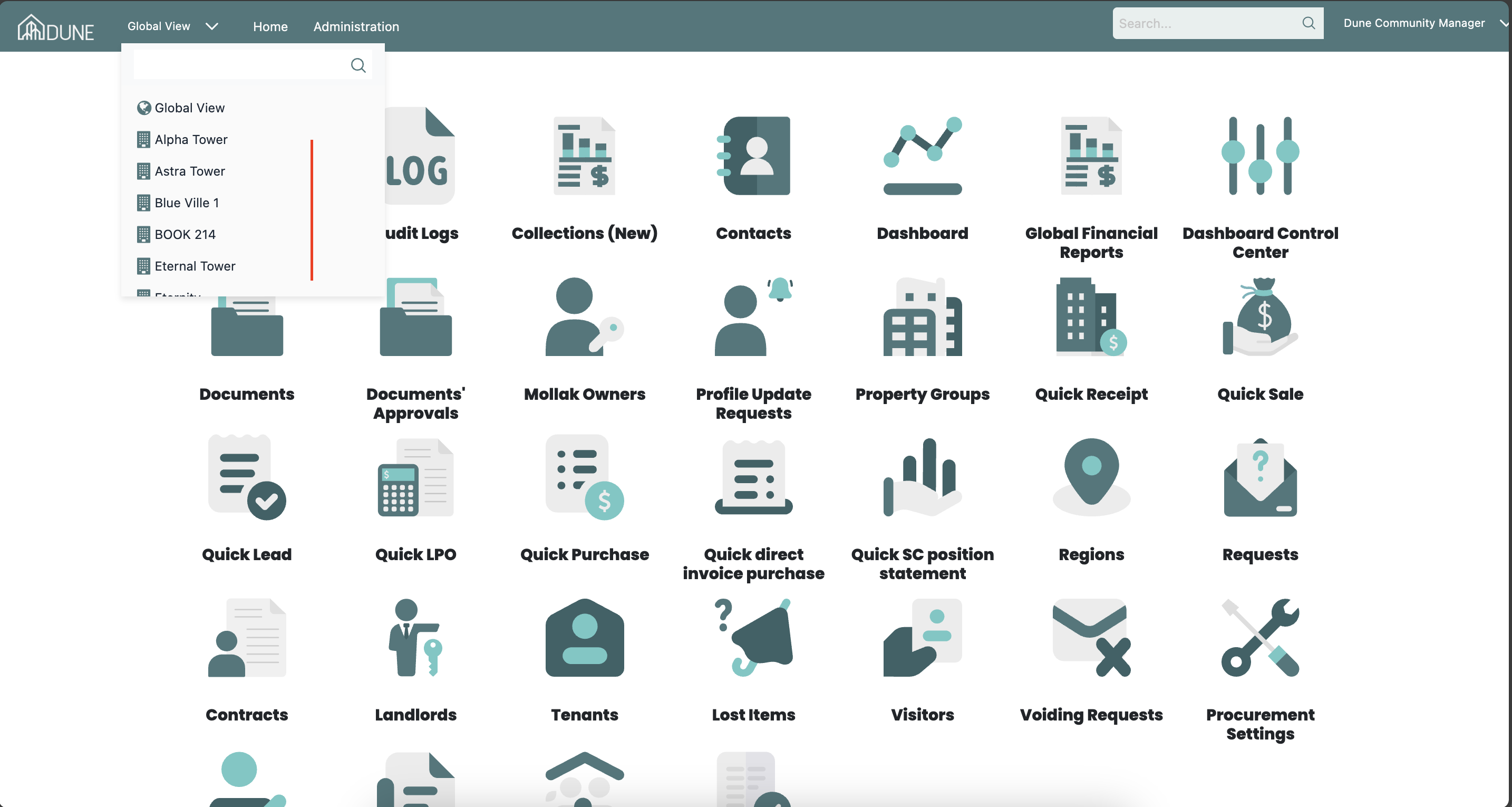
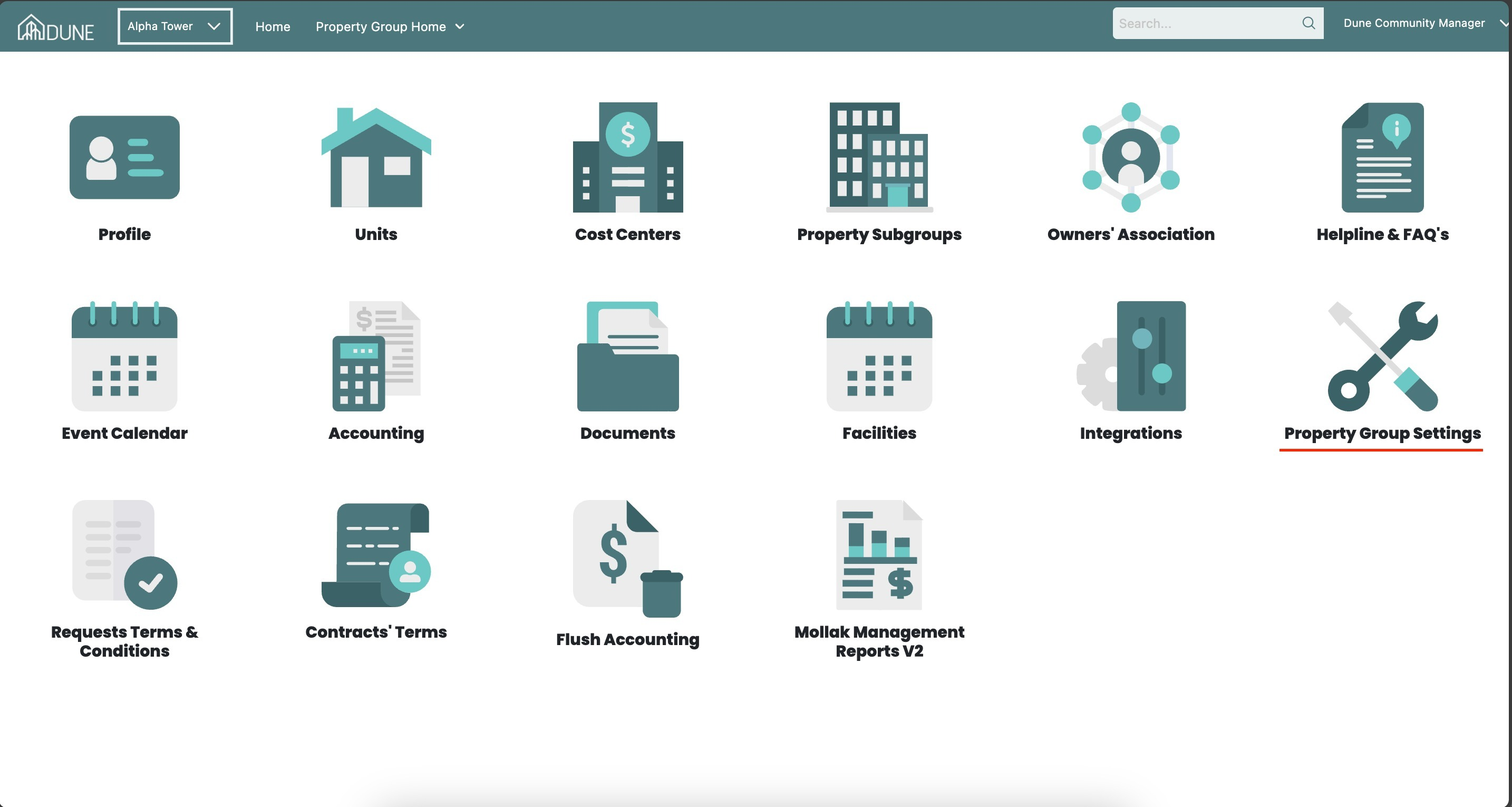
Once inside the property group, click on the Property Group Settings option. Then open the Lease Settings or PM Settings tab at the top of the page.
Lease Settings
The Lease Settings tab manages PM (Property Management) accounting settings, templates, and document configurations for leases. It contains four collapsible sections.
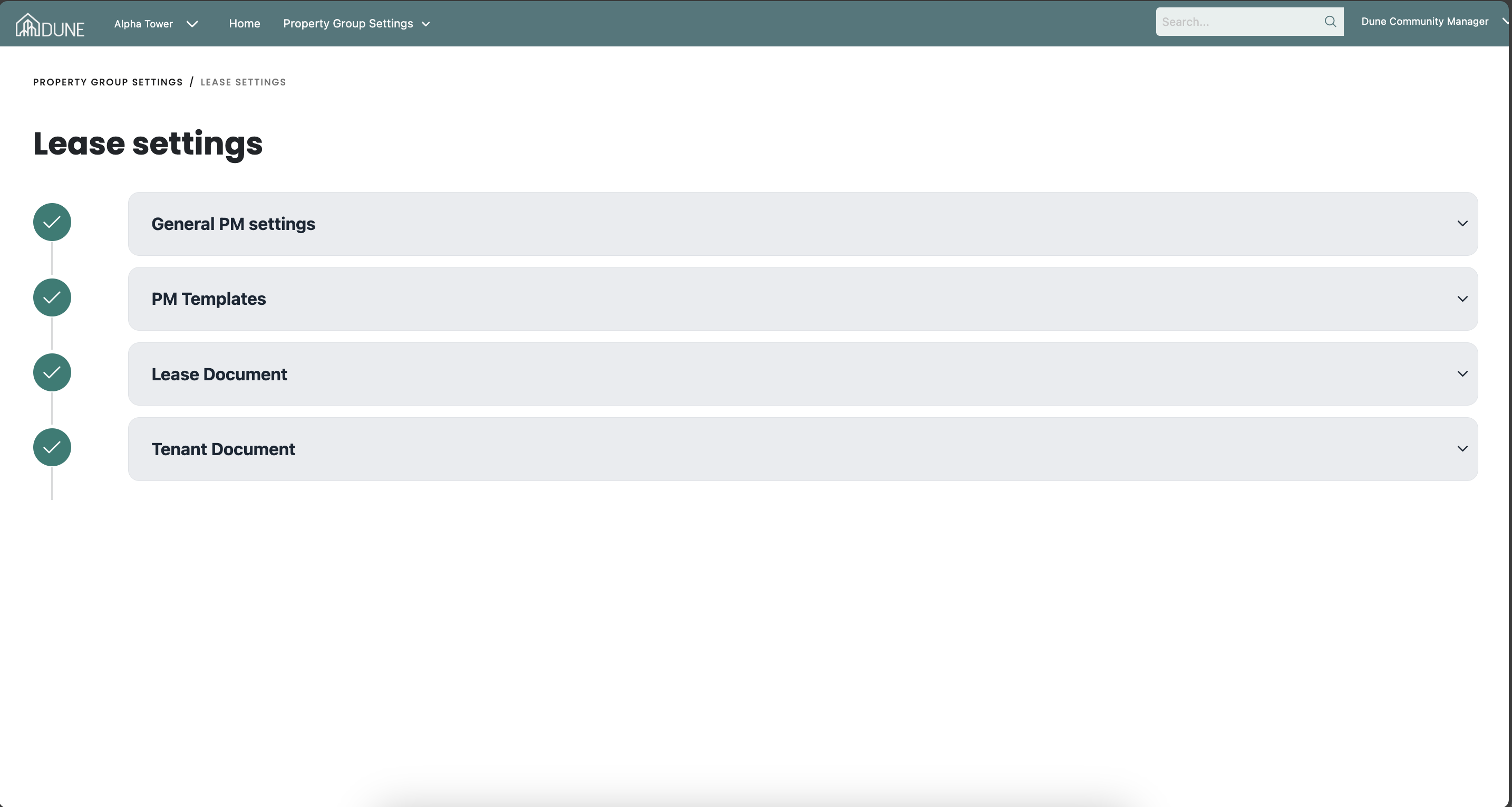
General PM Settings
This section controls the accounting behaviour when a lease is posted. Available options include:
- Disable accrual accounting and auto adjustment of unearned revenue while posting the lease: Disables the automatic accrual accounting and unearned revenue adjustment when a lease is posted. Note: Disabling this option will not affect already posted leases.
- Disable posting the lease in accounting: Prevents the lease from being posted to the accounting module.
- Do not require fees and rent (at least one) to be collected before signing the lease: Removes the requirement to collect at least one fee or rent item before the lease can be signed.
- Enable Straight-Line Reporting: Required to match IFRS 15 standards. Changes to this option will not affect already posted leases.
- Financial month-end day: Specifies the day used by lease adjustment journals when the community closes earlier than the calendar month end.
- Lease Invoices/Receipts Footer: Text entered here appears as the footer on all lease invoices and receipt PDF files.
PM Templates
Manage and configure the templates used in Property Management workflows.
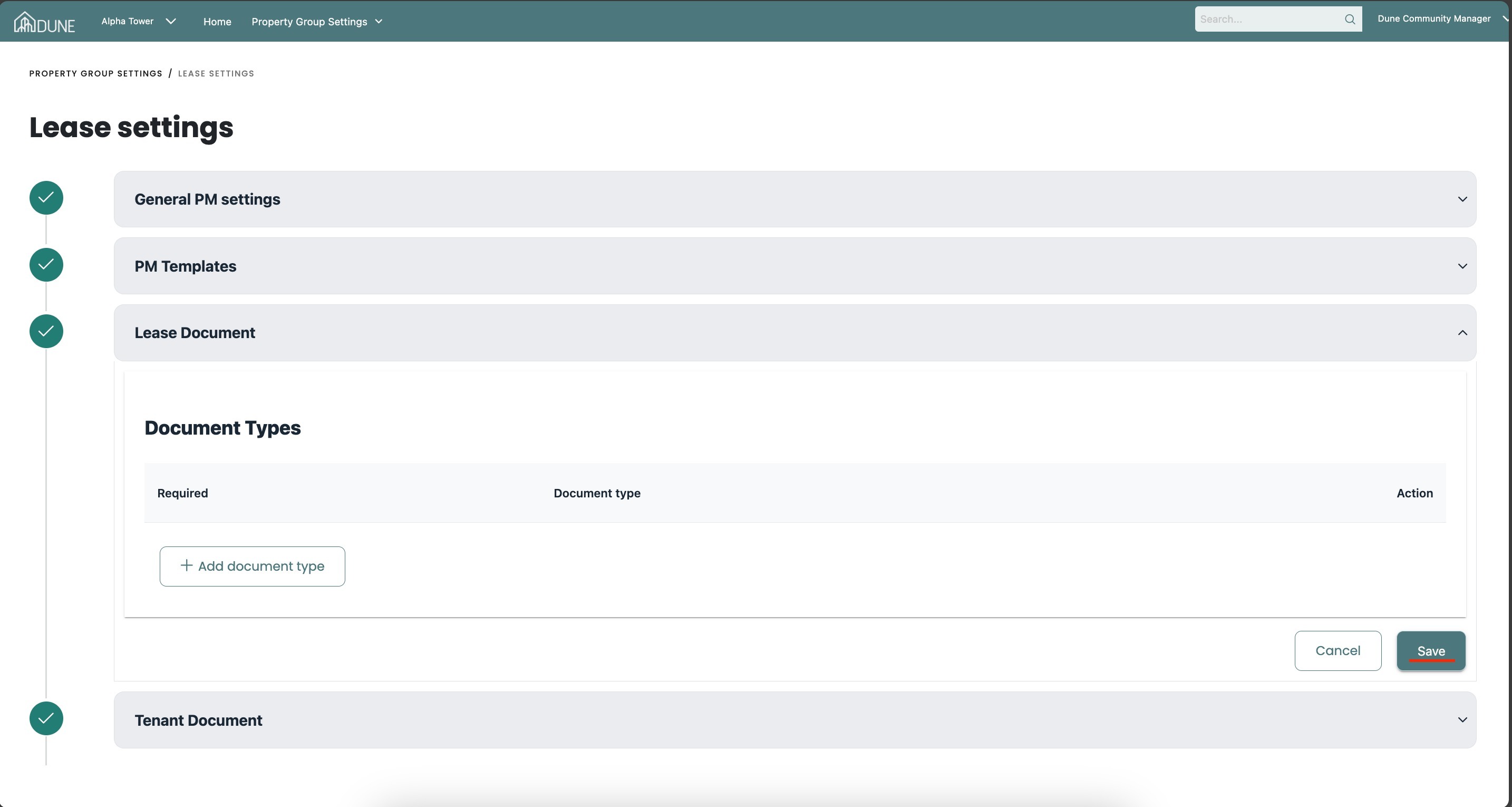
Lease Document
Configure the document templates associated with leases.
Tenant Document
Configure the document templates associated with tenants.
Click Save after making any changes in this section.
PM Settings
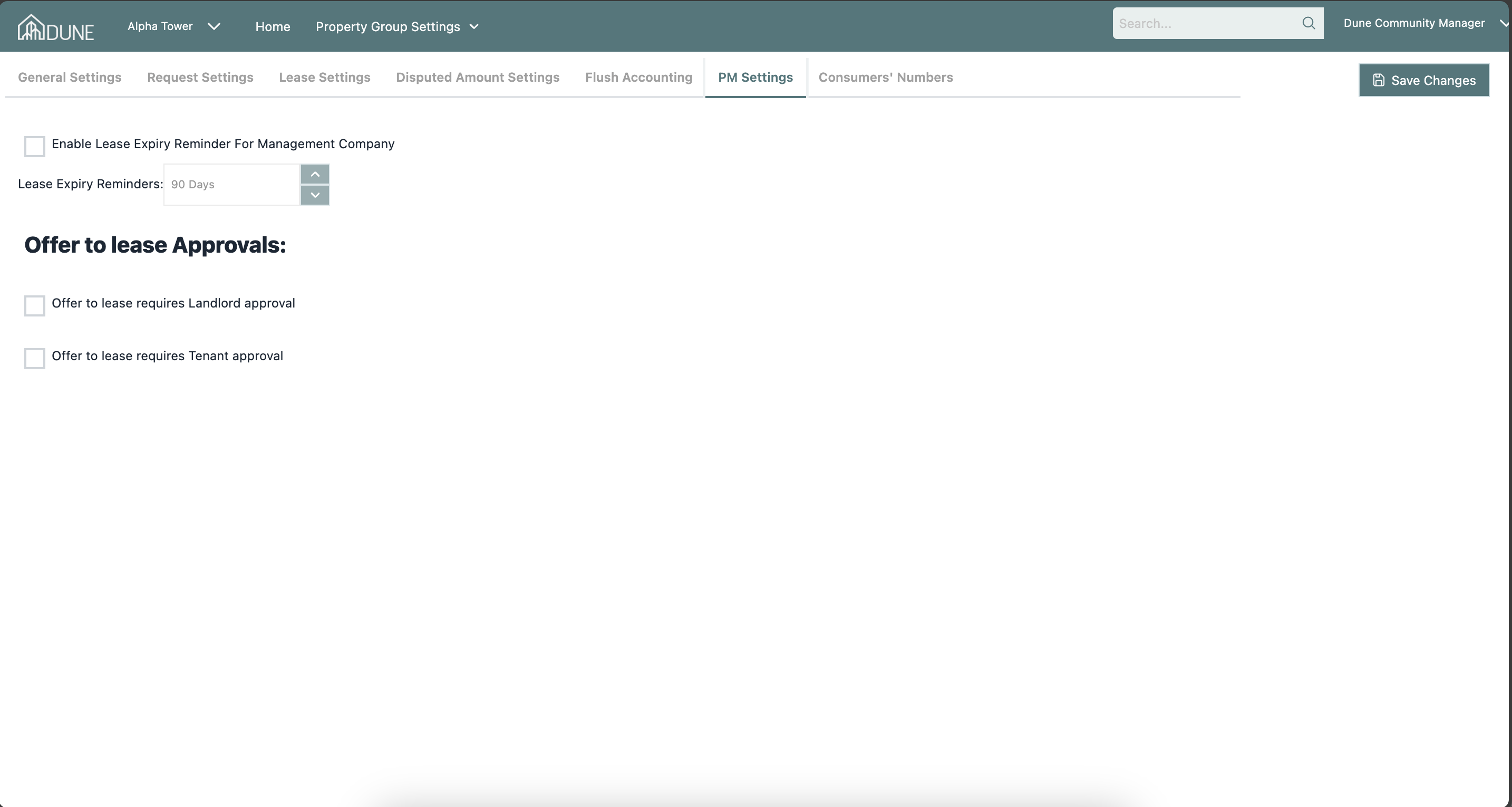
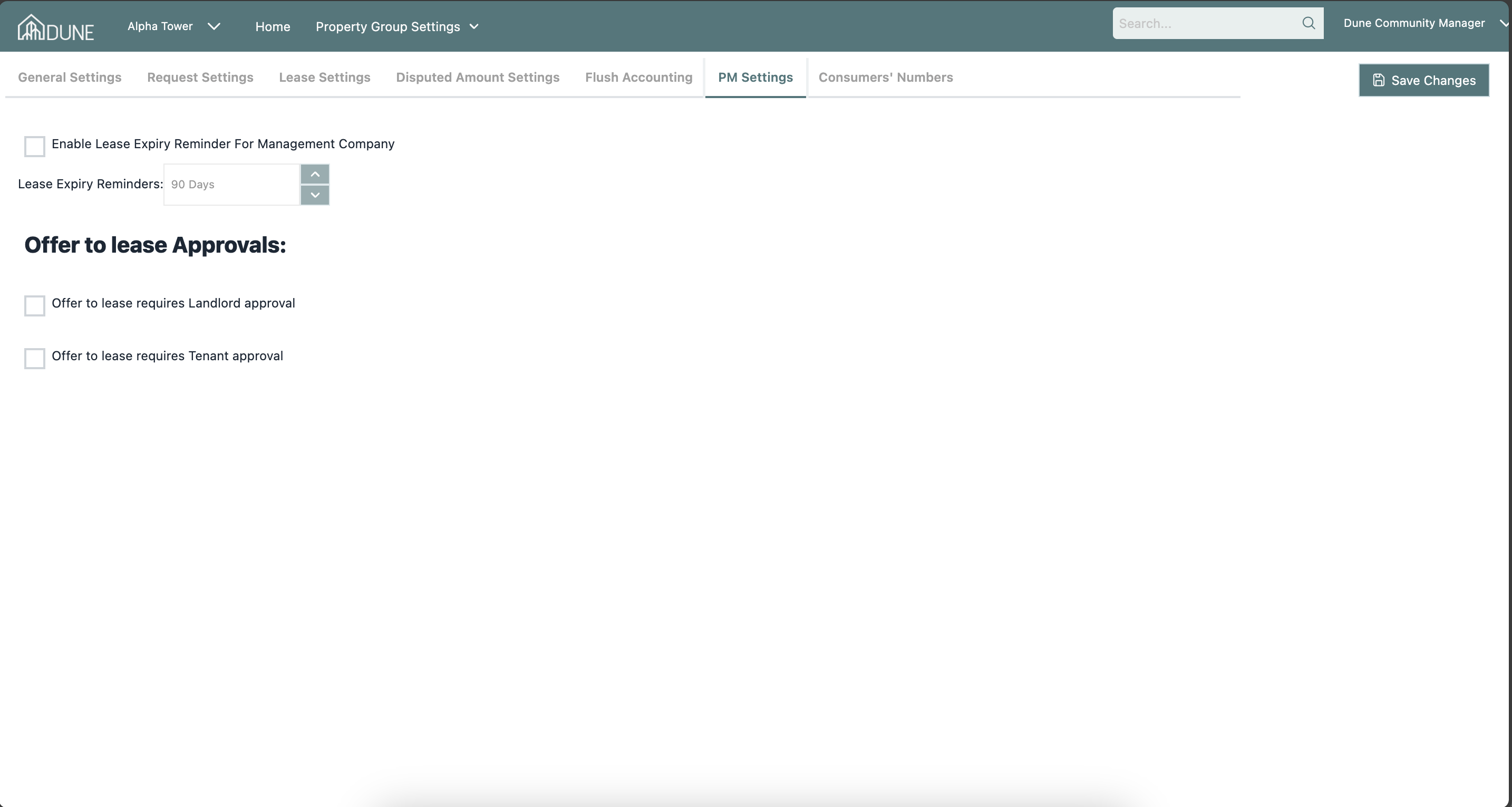
The PM Settings tab manages lease expiry notifications and offer-to-lease approval workflows.
Lease Expiry Reminders
- Enable Lease Expiry Reminder For Management Company: Activates automatic lease expiry reminder notifications for the management company.
- Lease Expiry Reminders: Set the number of days before lease expiry that the reminder should be sent (e.g., 90 Days). Use the +/- buttons to adjust the value.
Offer to Lease Approvals
- Offer to lease requires Landlord approval: When enabled, an offer to lease must be approved by the landlord before it can proceed.
- Offer to lease requires Tenant approval: When enabled, an offer to lease must be approved by the tenant before it can proceed.
Click Save Changes after configuring these options.
Tips & Best Practices
- Consult your accounting team before enabling or disabling accrual accounting options in the Lease Settings tab, as changes may impact financial reporting.
- Set lease expiry reminders in PM Settings to ensure timely follow-up on expiring leases.
- Always click Save or Save Changes after updating any setting — unsaved changes will be lost.
Was this article helpful?
That’s Great!
Thank you for your feedback
Sorry! We couldn't be helpful
Thank you for your feedback
Feedback sent
We appreciate your effort and will try to fix the article